

Fast Processing
Automated delivery 24/7 — most orders complete within seconds.
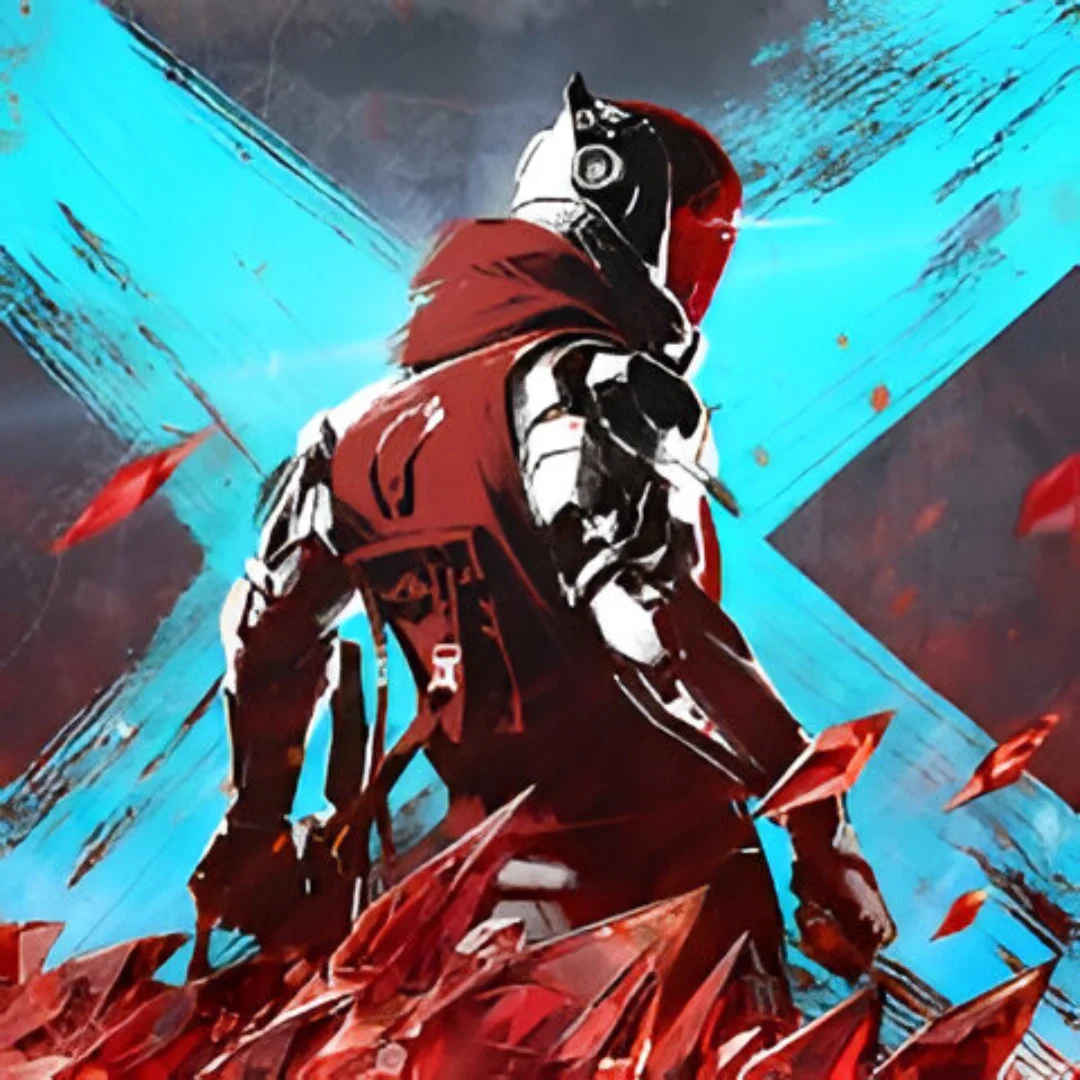
PUBG: New State is a futuristic battle royale set in 2051, where players parachute into massive maps, scavenge for weapons, and fight to be the last survivor. With advanced mechanics like drones, vehicles, and weapon customization, every match demands sharp reflexes, tactical positioning, and teamwork. Exclusive packages provide steady resources and premium rewards, helping players unlock crates, skins, and upgrades to define their playstyle.
Smaller packs like 300 give quick boosts for casual players, while mid‑tier bundles such as 1580 and 3850 ensure consistent progression. Larger bundles like 10230 and 16800 deliver long‑term value, unlocking rare skins, gear, and event rewards. For dedicated players, premium packs like 35000 offer massive resources to secure legendary outfits, weapon skins, and advanced upgrades. Topping up ensures your New State battleground experience is powered with flexibility and style.
Instant delivery, secure transactions, and trusted support make these packages the smoothest way to power up your PUBG: New State journey.
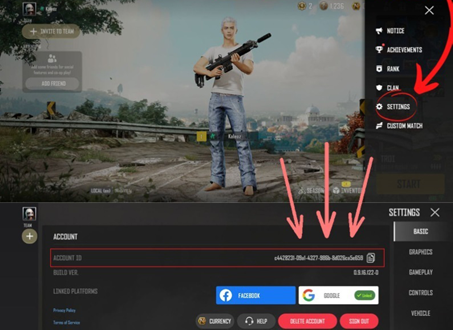
Snap ID can be found at the bottom of your settings page and can be revealed by tapping on it. Once it is revealed, you can tap on it again to copy it to your clipboard. Snap ID is generated based on your in-game name. Please be sure to have your name entered before acquiring it.
Please choose denomination you would like to purchases.
Please note that different payment methods have varying fees, so choose wisely if you're cost-conscious.
Complete your PUBG: New State purchase at Synn Store — fast, affordable, and trusted by thousands of players. Choose your package, pay with your preferred method, and receive your order in seconds.
Automated delivery 24/7 — most orders complete within seconds.
Your account details are protected with secure checkout flows.
Multiple payment options including e-wallet, online banking, and more.